Viewing your device logins
Bottle Rocket tracks your current logged-in sessions across devices.
As a user, you can view these sessions and revoke them, if required.
Viewing Device Logins
- Login to your Bottle Rocket server.
- On the left-hand sidebar, select My scans.

- Your (active) sessions will be displayed in this list, along with the device identification and access timestamps.
- The session you are using in the browser will be greyed out and marked Current.
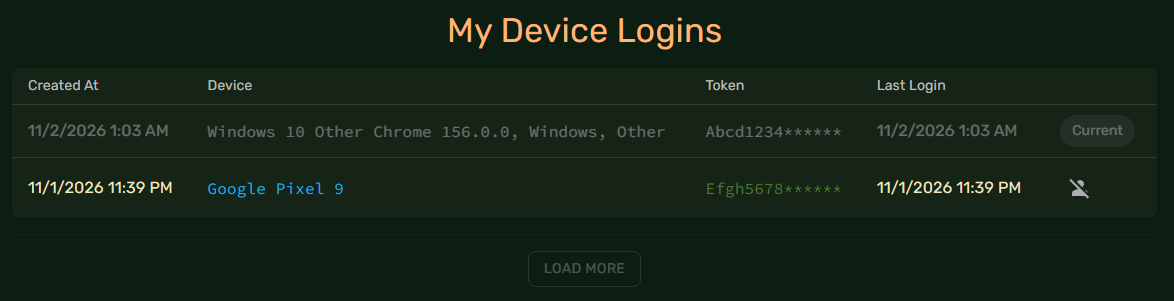
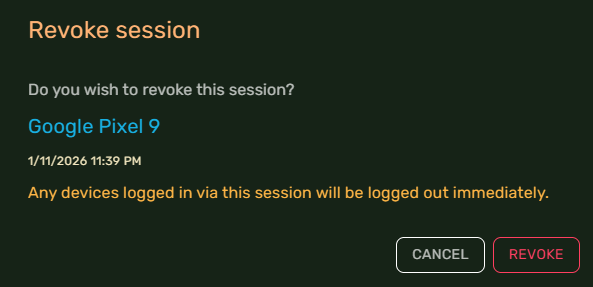
- You can revoke / terminate any of the other sessions by clicking on the right-hand icon button.
- You can also revoke all of the other sessions by clicking the Revoke all button at the top of the screen.
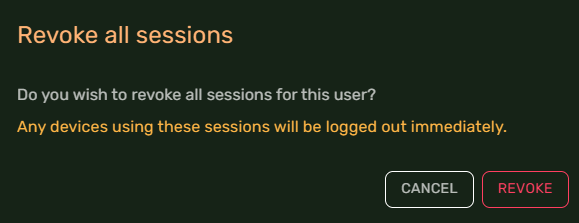
- When prompted, click the Revoke button to confirm and terminate the given session.
danger
- For browser sessions, the user of the revoked session will need to log back in to the server UI.
- For mobile apps, the user of the revoked session will need to re-enter their credentials on the Bottle Rocket app, or re-scan the QR quick-connect code.