Viewing Your Scans
Bottle Rocket uses local storage to store copies of scanned images received via the Bottle Rocket app.
Viewing Scans
- Login to your Bottle Rocket server.
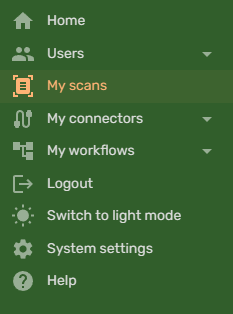
- On the left-hand sidebar, select My scans.
- If your Bottle Rocket app has been able to successfully send scans to this server, they should appear here.
- For convention, they are sorted by date, with the most recent captures appearing first.
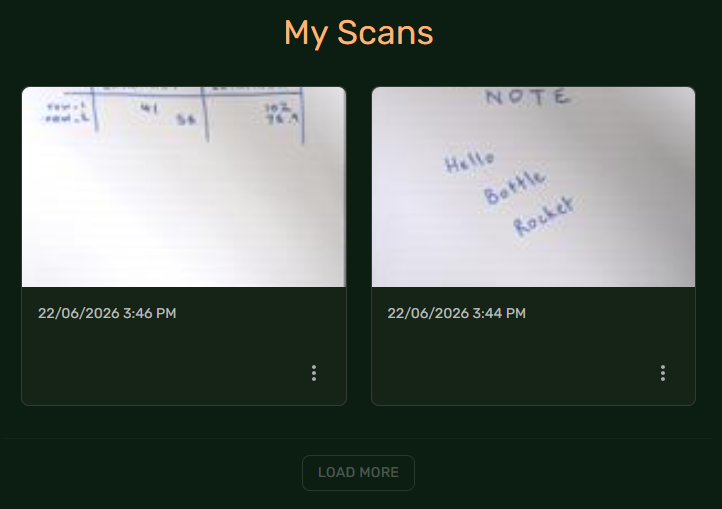
- To view the options for a specific scan, click on the ... button under the related scan.
- Select Details to navigate to the scan details page.
- Select Delete to delete this scan from your server.
danger
Deletion is permanent and cannot be undone.
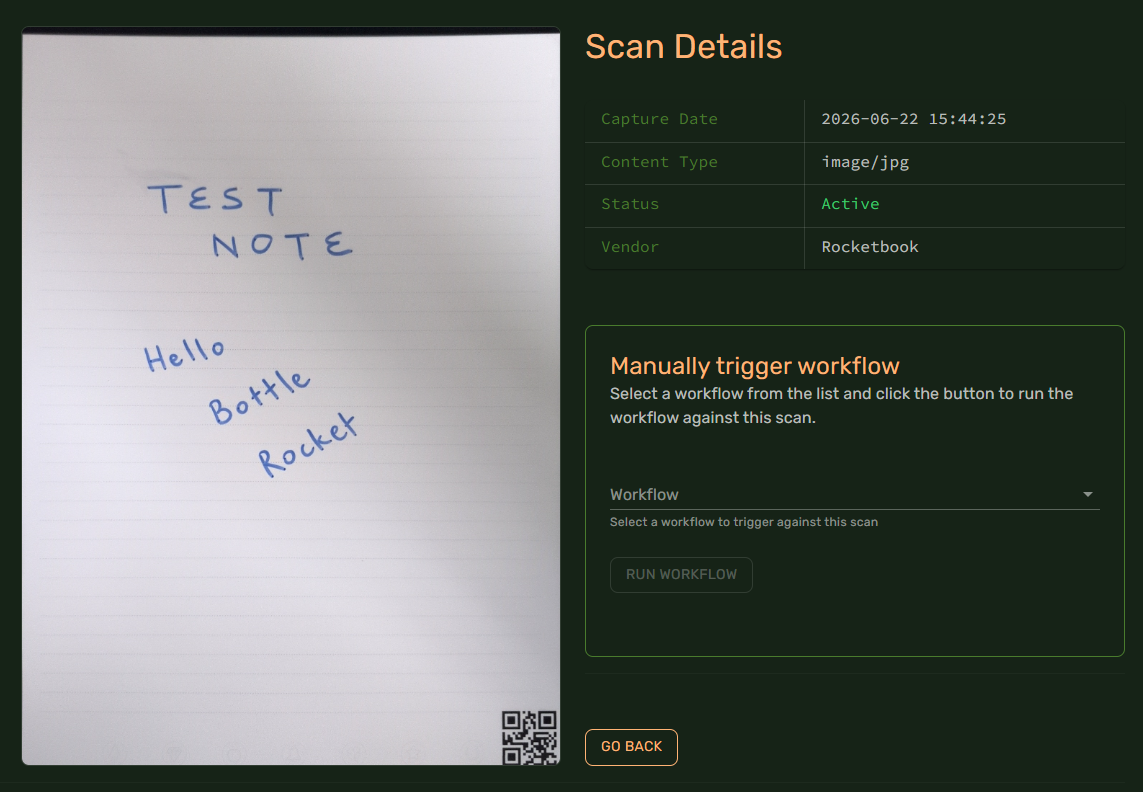
Manually triggering a workflow
You can use this page to trigger a workflow that you have set up previously by selecting it from the Workflow dropdown and clicking the Run Workflow button.