Automatic file naming
Overview
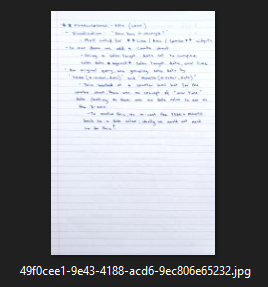
When a Bottle Rocket file is created during a workflow run (for example, an image file from a scan, or a text file from OCR), Bottle Rocket auto-generates a file name for it using a random string (or to be exact, a GUID).
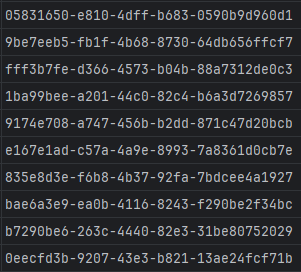
This is done to prevent two files from ever sharing the same name; however, this file name will be quite meaningless to the user and will not help you identify the context of the document you have scanned.
Auto-title workflow steps
When building your workflow, you can add an auto-title workflow step to try and name a given file appropriately.
This involves the use of LLM models (that you have configured); the models will be given the text of the page / chapter / batch to summarize, and then asked to recommend a file name based on the text contents.
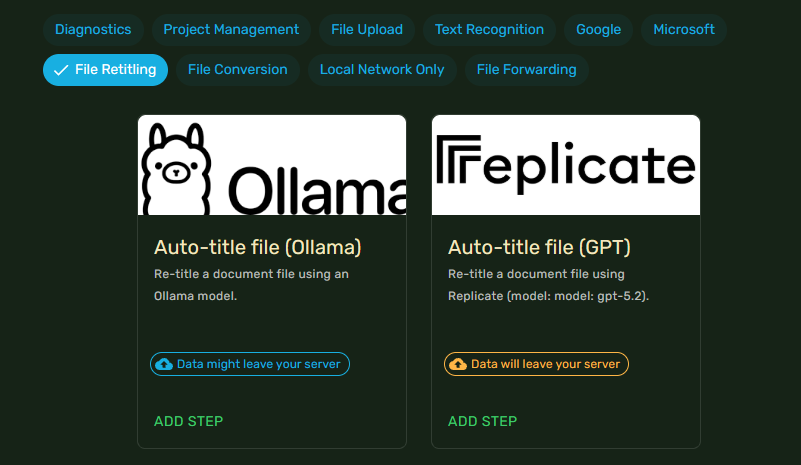
When adding this workflow step, you will be presented with the option to apply the naming to either:
- Each individual text or markdown file in the batch, or
- The entire text or markdown of all the files in the batch.
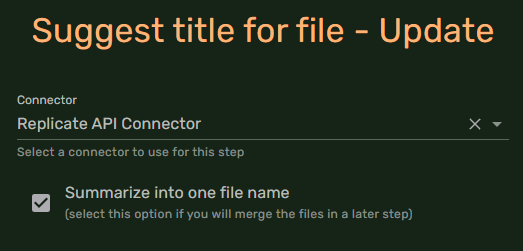
- Simply check or uncheck the checkbox as needed.
Example
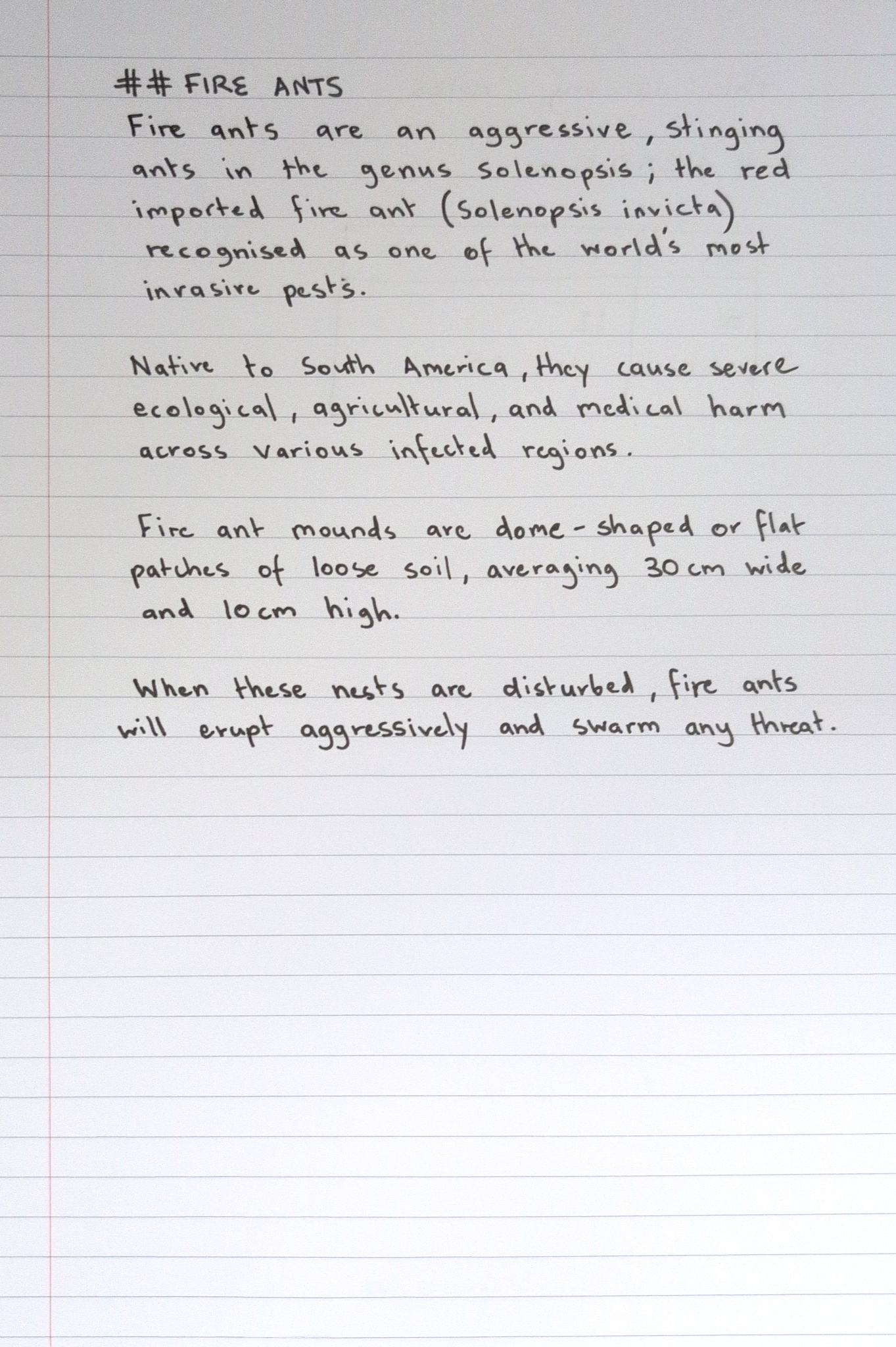
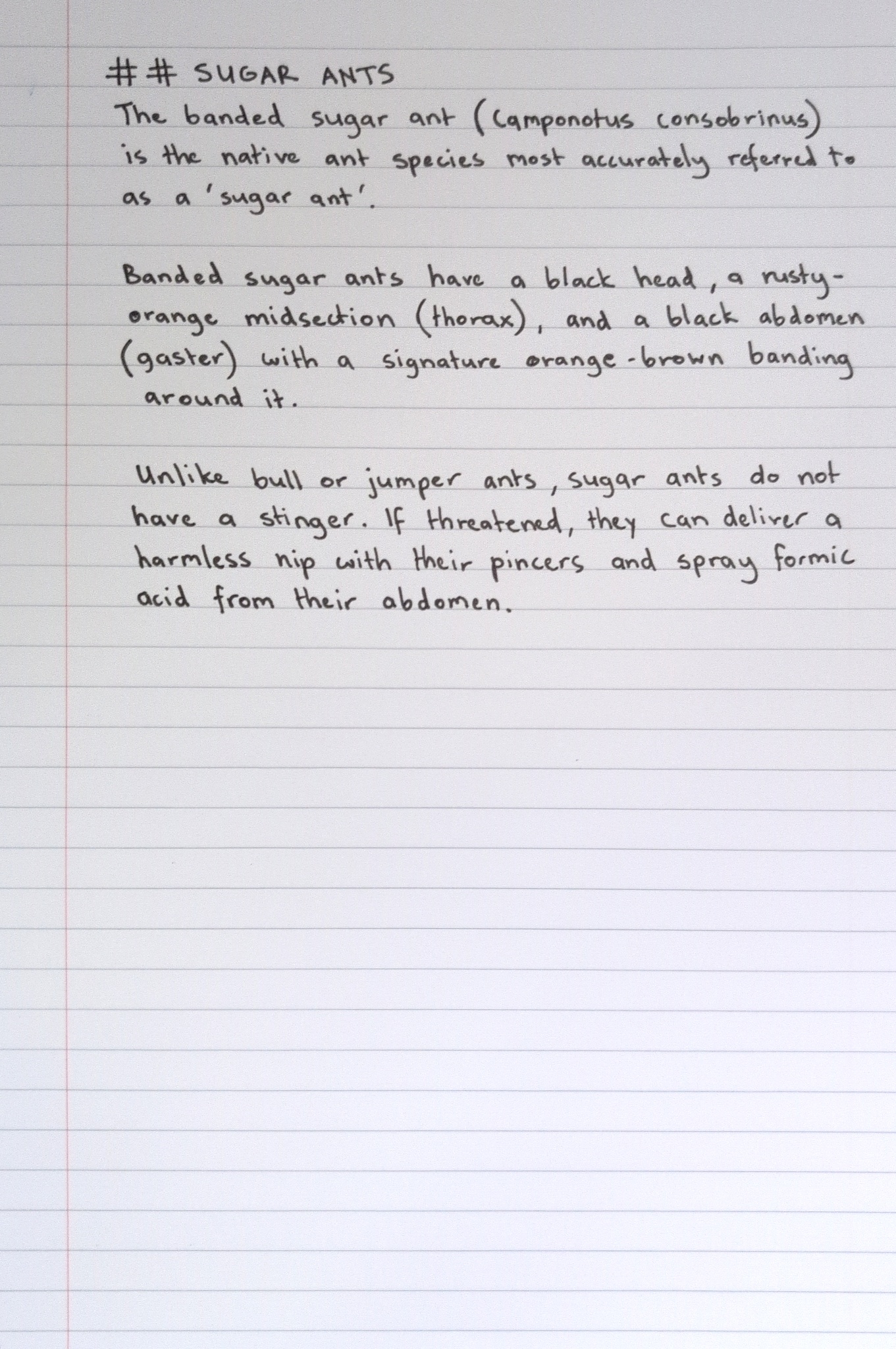
Let's try out these two scanned documents.
One is a piece of text about sugar ants; the other is a piece about fire ants.
Images
|
|
Workflow
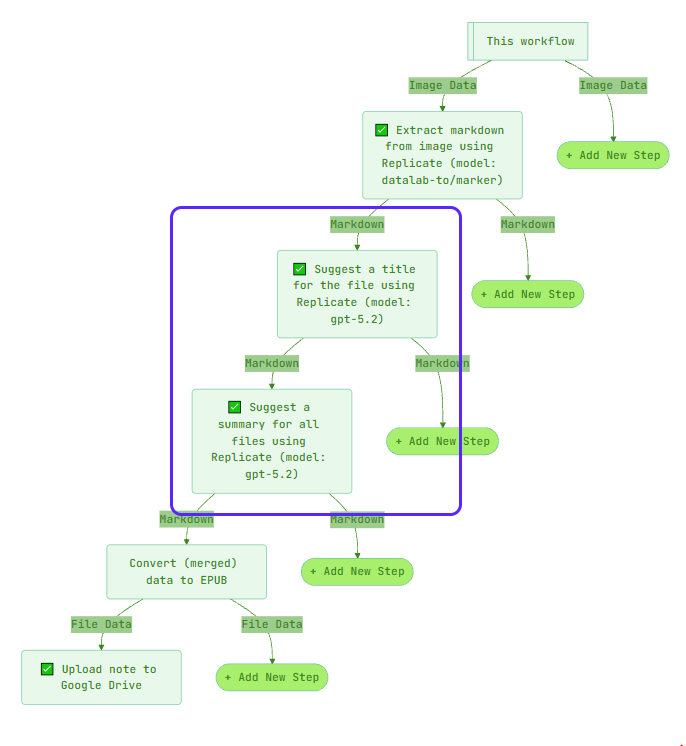
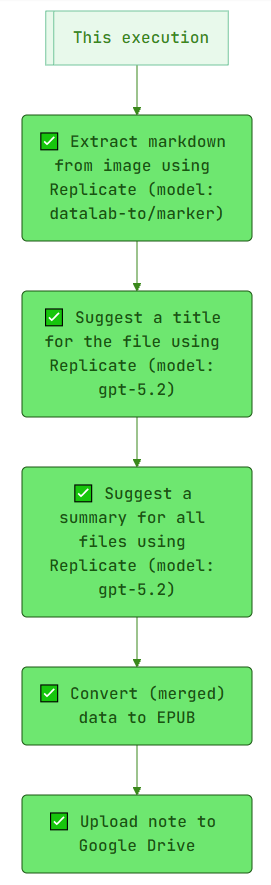
We will build a workflow that does the following:
- Extracts the text from the image(s) via an OCR / text recognition step.
- Auto-title each text file produced, via an LLM (in this case,
gpt-5.2). - Auto-title the whole group of files, again via an LLM (in this case,
gpt-5.2). - Merge and convert all of the files into a single EPUB file via the Convert data to EPUB file workflow step.
- Upload the file to Google Drive.
You don't need to run auto-titling twice if you are merging to a PDF, or keeping the files separate.
In this example, we want an auto-generated file name, and auto-generated chapters. The EPUB file will accommodate both of these.
Execution
We run this workflow against our two scanned images.
The auto-title step on the whole group of files will send all of the text to the LLM for summarizing - it is worth keeping this in mind in terms of cost and text volume.
Larger amounts of text will incur a larger round trip and will take longer to process.
Result
- The file has been successfully uploaded to Google Drive with the (suggested) title
Fire Ants and Sugar Ants Overview.epub.

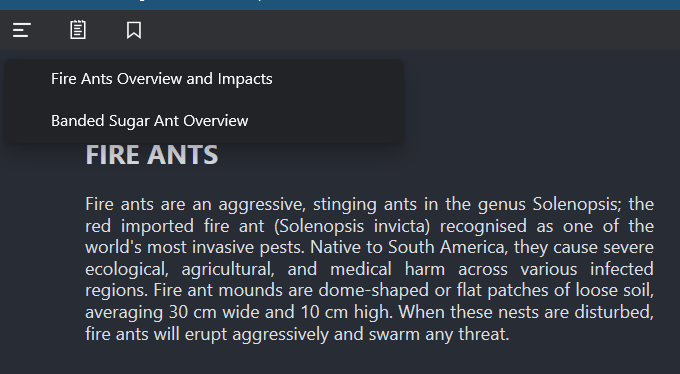
- If we open the EPUB file, we can see that each chapter has also been (individually) summarized with the correct context.