File conversion
Overview
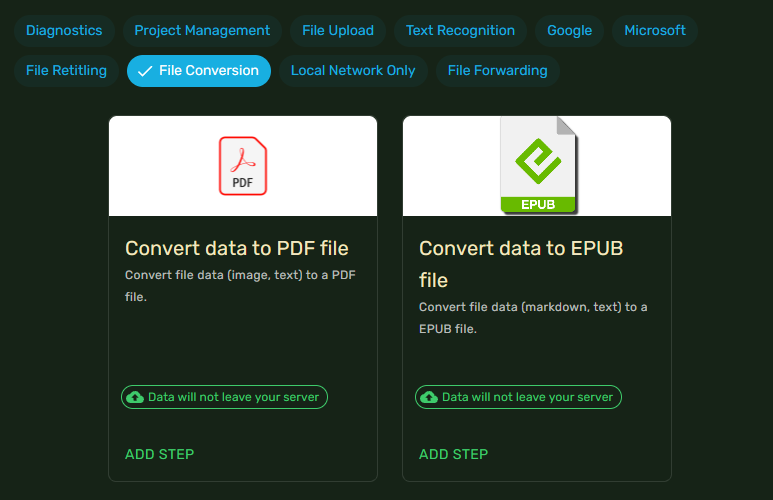
A given workflow step can accept one or more input types (e.g. image data, text data, markdown, etc.), and produce one output type (i.e. an OCR workflow step takes image data as an input, and produces text data as an output).
On top of this, Bottle Rocket offers additional workflow steps that can convert data to other formats.
Merging
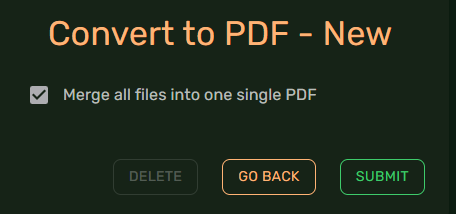
For some file conversion workflow steps, the option may exist to merge the batch of files (images, texts) into a single output file. If, for example, you had a batch of five scans, and wanted to run the Convert data to PDF file workflow, you can produce either:
- A single PDF file containing all five pages, or
- Five PDF files (one PDF file per scan).
This option can be controlled by the Merge all files into one single output file option.